
← Docs, Images & Video
DOCUMENT TOOL
QR & Barcode Generator
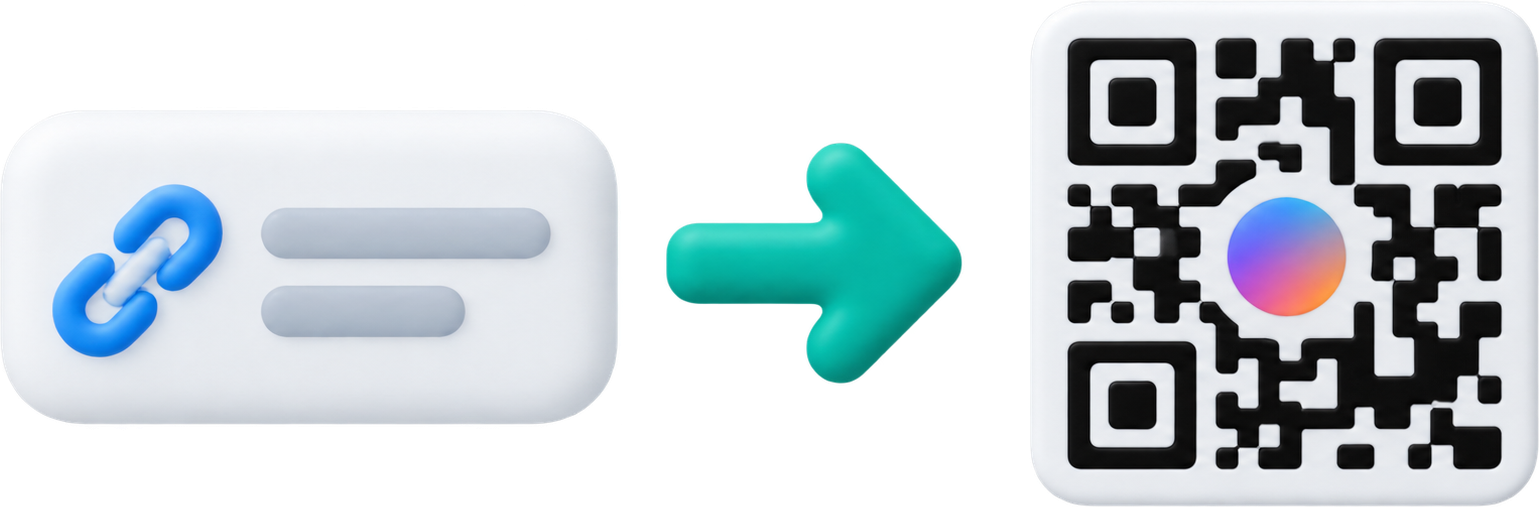
Create QR codes for URLs, text, Wi-Fi, email, or phone numbers with custom settings.
 QR CODE
1. Enter a link or text
QR appearance
Create URL/text, Wi-Fi, email or phone QR codes. Adjust colors and error correction for your scanning environment.
0 of 15 pages for all image tools used today · 15 remaining
2. Result
No result yet
Enter a link or text and run the tool.
STEPS
How to use
- Choose URL/text, Wi-Fi, email, or phone QR.
- Set the content, size, margin, error correction, and colors, then generate it.
- Scan the preview to verify it and save the PNG.