
← Docs, Images & Video
IMAGE TOOL
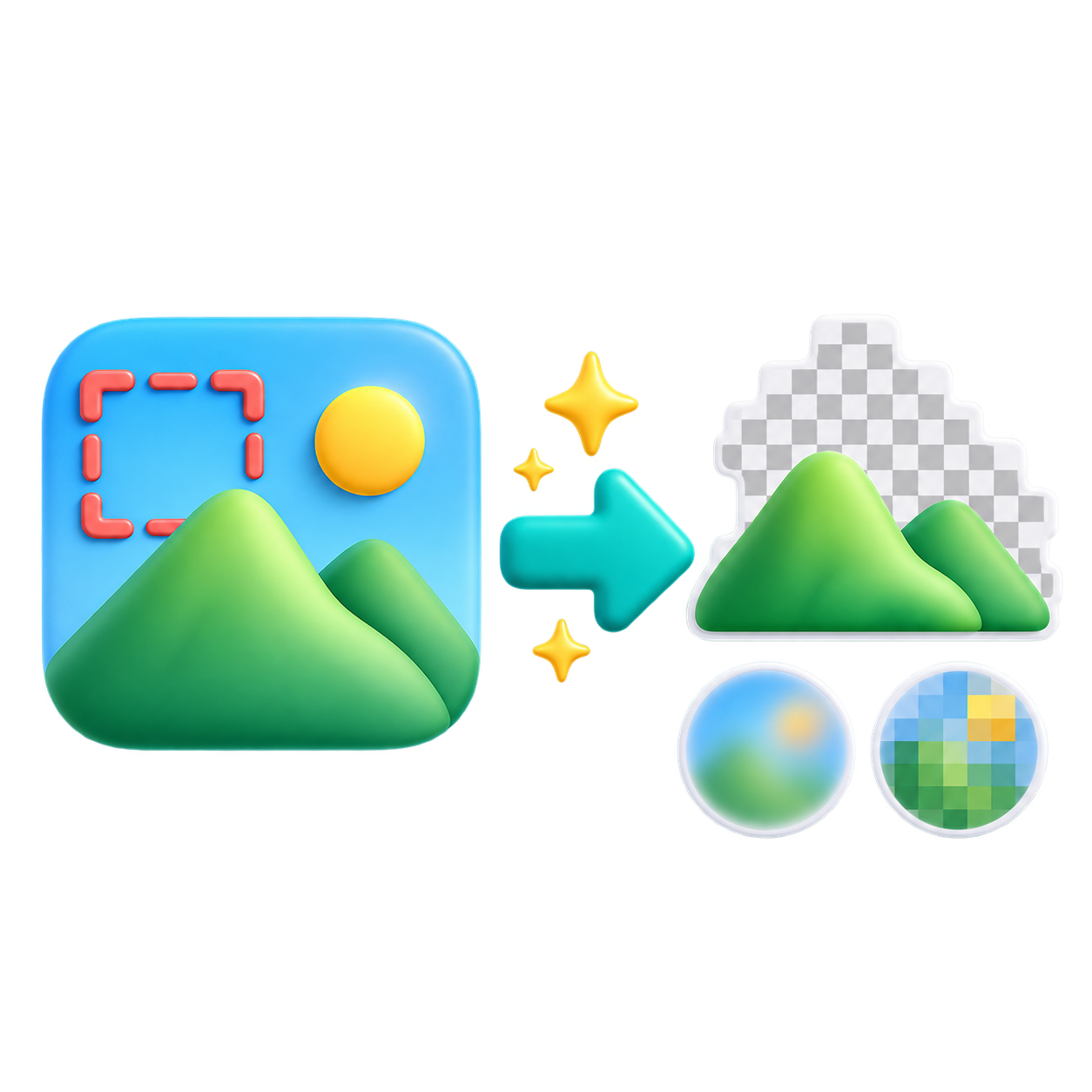
Background remove, blur & mosaic
Remove a solid background or blur and pixelate an image before sharing it.
 EFFECTS
1. Choose an image & effect
Drop your files here
JPG · PNG · WebP / Up to 20 MB · 16 MP2. Preview & save
Your image will appear here
STEPS
How to use
- Choose an image.
- Pick an effect and drag over the area it should affect.
- Check the intensity, apply it, and save the result.